[Top]
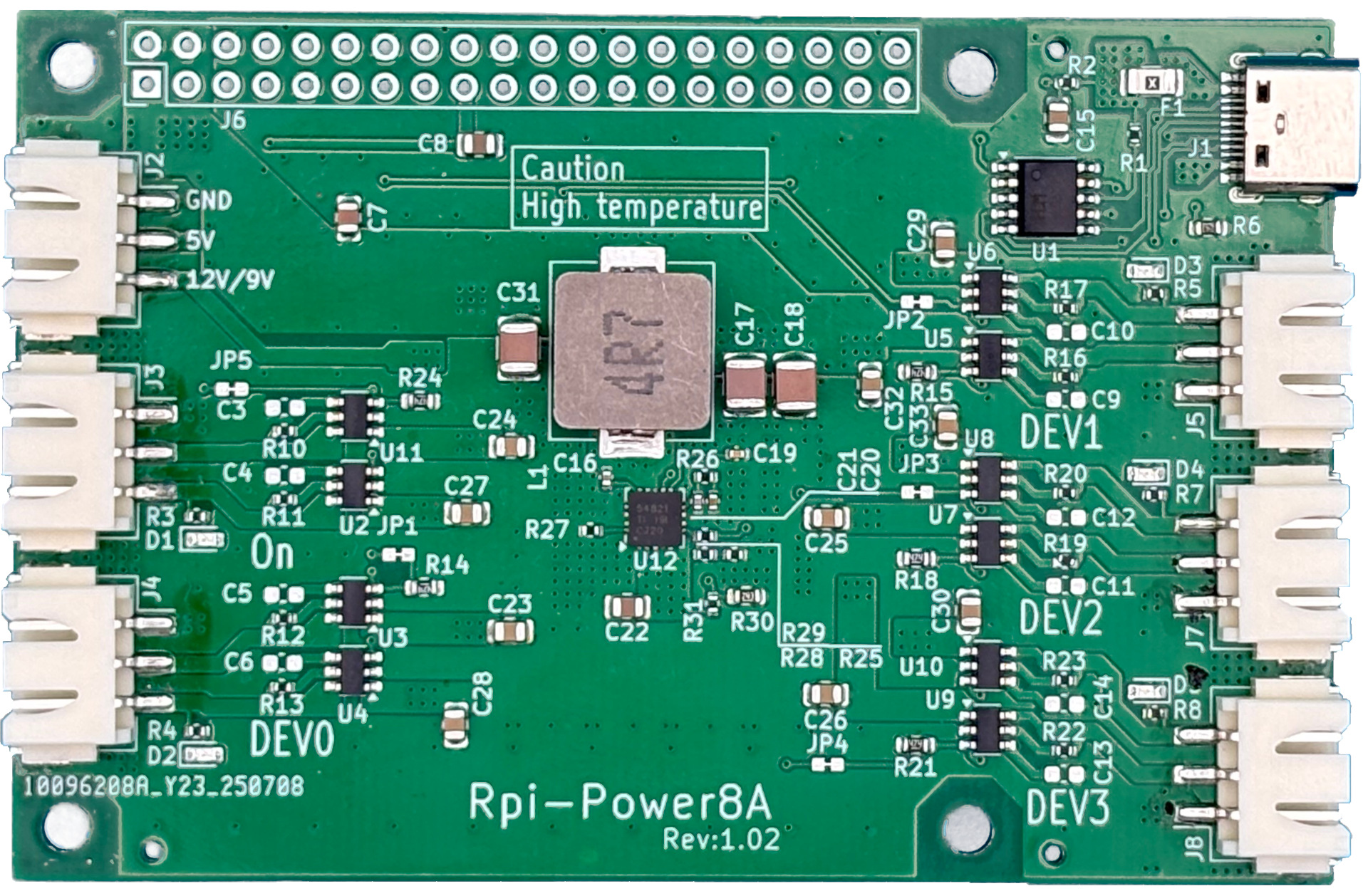
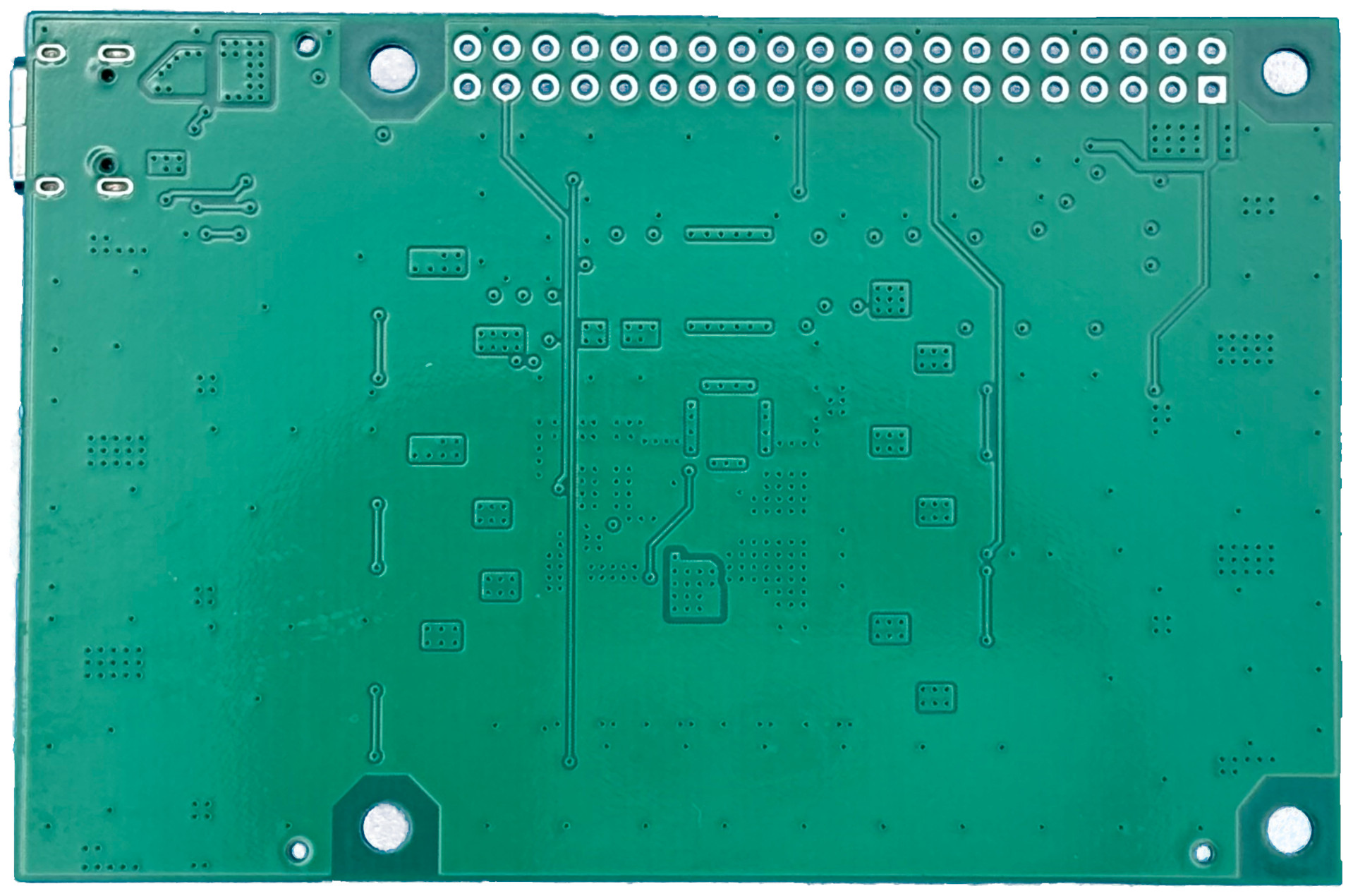
First of all
Raspberry Pi との接続コネクタとスペーサーについて
12V 対応でない USB PD アダプタの場合は 9V 出力になります.
USB PD アダプタの電力容量を越える電力を出力する事はできません.
5V 電源で消費電流が 5A 越えたあたりからかなり発熱しますので十分に放熱してください. またやけどにはご注意ください.
12/9V出力は USB PD アダプタの直接出力の為, ケーブルによる電圧降下します. これを避けたい場合は 12V ラインも DC/DC コンバータが入っている Rpi-Power8A5A の使用を検討してください
Specifications
- 5.3V 8A 生成
- USB PD アダプタ使用可能
- 12V および 5V 電源制御出力 JST XH 3P コネクタ
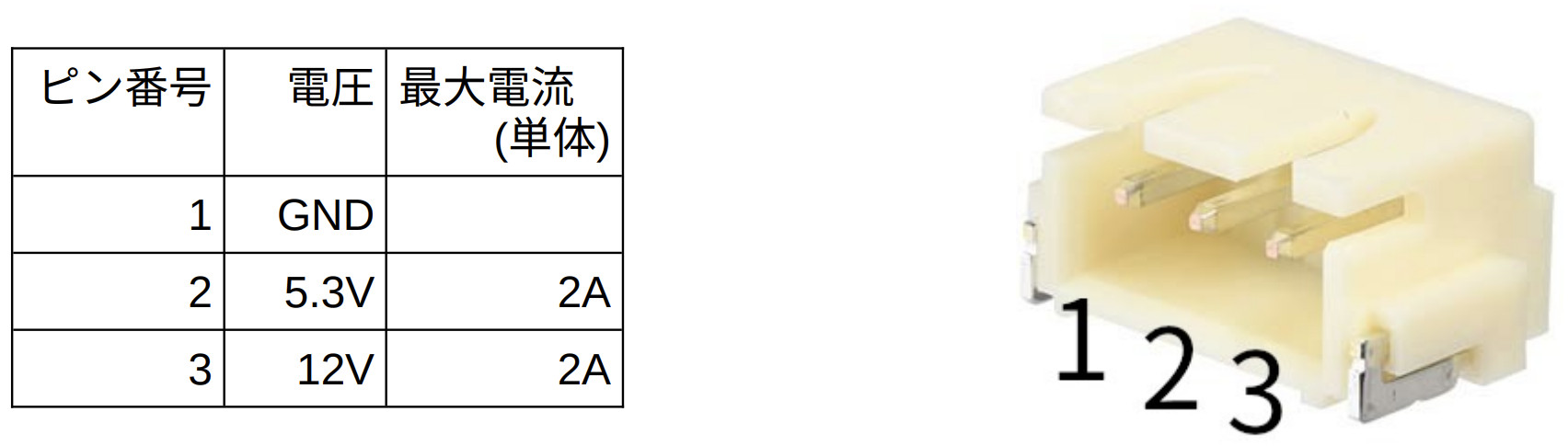
適合ハーネスHNS-XH200
- 常時ON, 3.3V連動, gpioで制御できる電源ライン 4 本
(Rpi5 にて "sudo rpi-eeprom-config -e" で "POWER_OFF_ON_HALT=1" の設定が必要)
- 基板サイズ 56mm x 85mm (部品面の部品の最大高さ 6.3mm)
Documents
製品説明書
Schematics
Configuration files
Examples (code, setup, etc)
+ DEV0 (GPIO24) を制御
  sudo gpioset gpiochip4 24=1      # turn on  the DEV0
  sudo gpioset gpiochip4 24=0      # turn off the DEV0
+ DEV1 (GPIO25) を制御
  sudo gpioset gpiochip4 25=1      # turn on  the DEV1
  sudo gpioset gpiochip4 25=0      # turn off the DEV1
+ DEV2 (GPIO26) を制御
  sudo gpioset gpiochip4 26=1      # turn on  the DEV2
  sudo gpioset gpiochip4 26=0      # turn off the DEV2
+ DEV3 (GPIO27) を制御
  sudo gpioset gpiochip4 27=1      # turn on  the DEV3
  sudo gpioset gpiochip4 27=0      # turn off the DEV3
Purchase